In the modern era of distributed work, the "office" is no longer a physical location; it is a digital ecosystem. As teams scale across time zones, leaders face a difficult paradox: the need for operational visibility versus the fundamental human requirement for autonomy and trust.
When a company decides to implement Employee Monitoring Software, the reaction from the workforce is rarely neutral. According to the State of the Global Workplace 2026 Report, while 78% of companies now use tracking tools, over 56% of employees report increased anxiety, and 49% admit to "Productivity Theater" — faking activity to appease an algorithm.
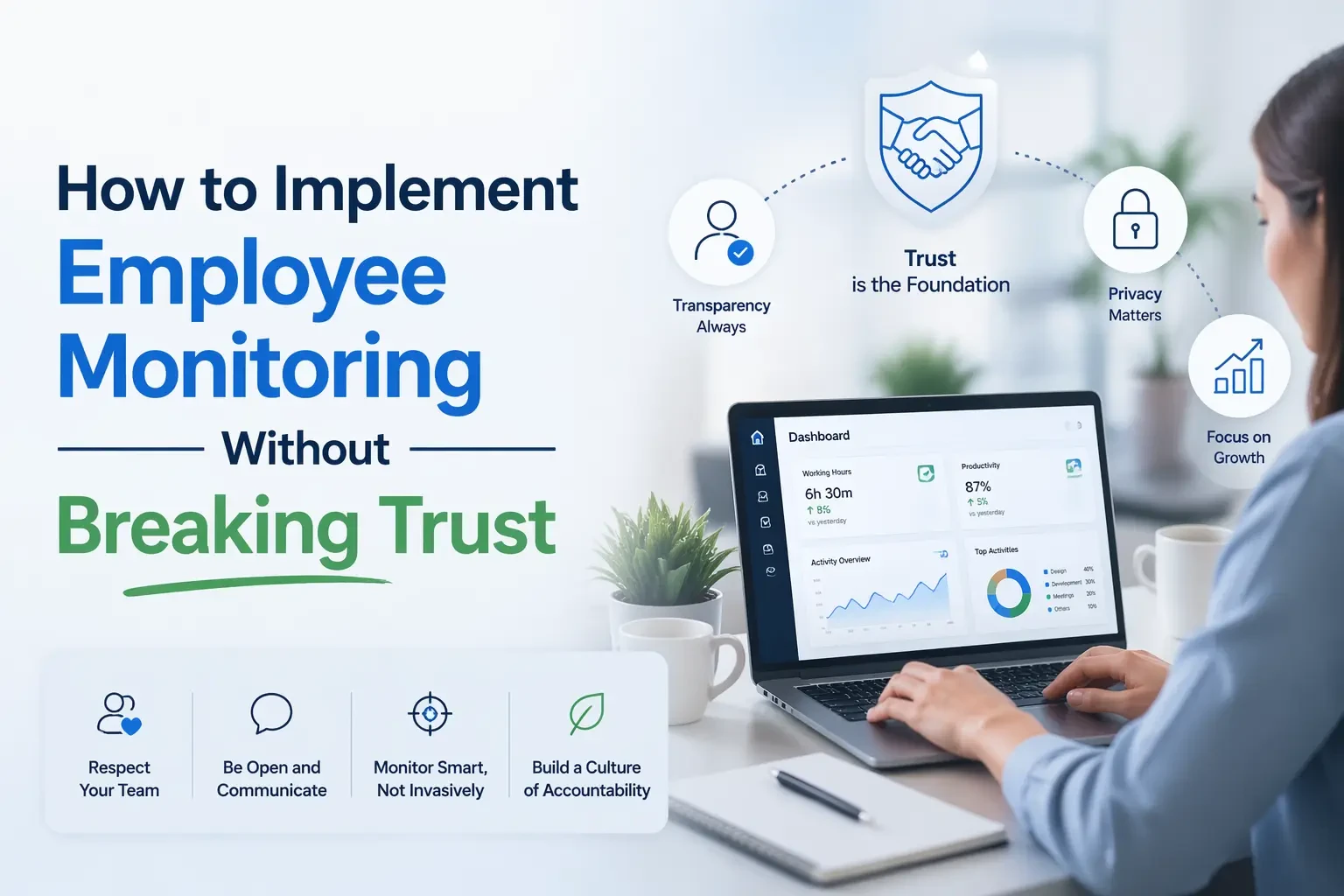
This is the Transparency Manifesto: a guide to using digital oversight not as a "Big Brother" tool, but as a bridge to a more productive, balanced, and high-trust work culture.
1. The 2026 Paradigm Shift: From Surveillance to Visibility
The term "monitoring" often carries a negative, 20th-century connotation of a supervisor standing over a shoulder with a stopwatch. In 2026, the paradigm has shifted. Top-performing organizations use Employee Time Tracking Software not to "catch" people doing wrong, but to "see" where the system is failing them.
Operational Awareness vs. Micromanagement
Visibility allows leaders to move from "reactive" management to "proactive" support. Gartner's latest framework for Digital Employee Experience (DEX) suggests that technical monitoring should be correlated with employee sentiment data.
Visibility allows leaders to:
- Identify Burnout Early: 2026 data shows that "quiet quitting" is often preceded by an 18% increase in after-hours digital activity. Monitoring helps you intervene before a resignation happens.
- Objective Resource Allocation: Instead of guessing who is overworked, leaders use data to see which departments are consistently at 100% capacity.
- Eliminating "Meeting Fatigue": Analytics can reveal if a team is spending 60% of their day in Zoom calls, leaving no time for "Deep Work."
2. The Psychology of the "Trust Gap": Why Employees React
To implement monitoring successfully, one must understand Reactance Theory. When humans feel their autonomy is restricted, they naturally "react" by trying to reclaim it.
The Cost of "Productivity Theater"
When monitoring is perceived as invasive (e.g., constant webcam checks or keystroke logging), employees engage in digital staging. 2026 surveys indicate that 31% of employees use anti-tracking tools or "mouse movers" if they feel the software is being used for micromanagement.
This creates a Data Integrity Crisis: your software reports high activity, but your project milestones are stalling. To close this gap, you must pivot from tracking inputs (clicks) to tracking outcomes (deliverables).
3. The Role of Proof: Visual Insights as Empowerment
A common concern among employees is that their complex, "invisible" work goes unnoticed. This is where visual evidence becomes a tool for empowerment rather than punishment.
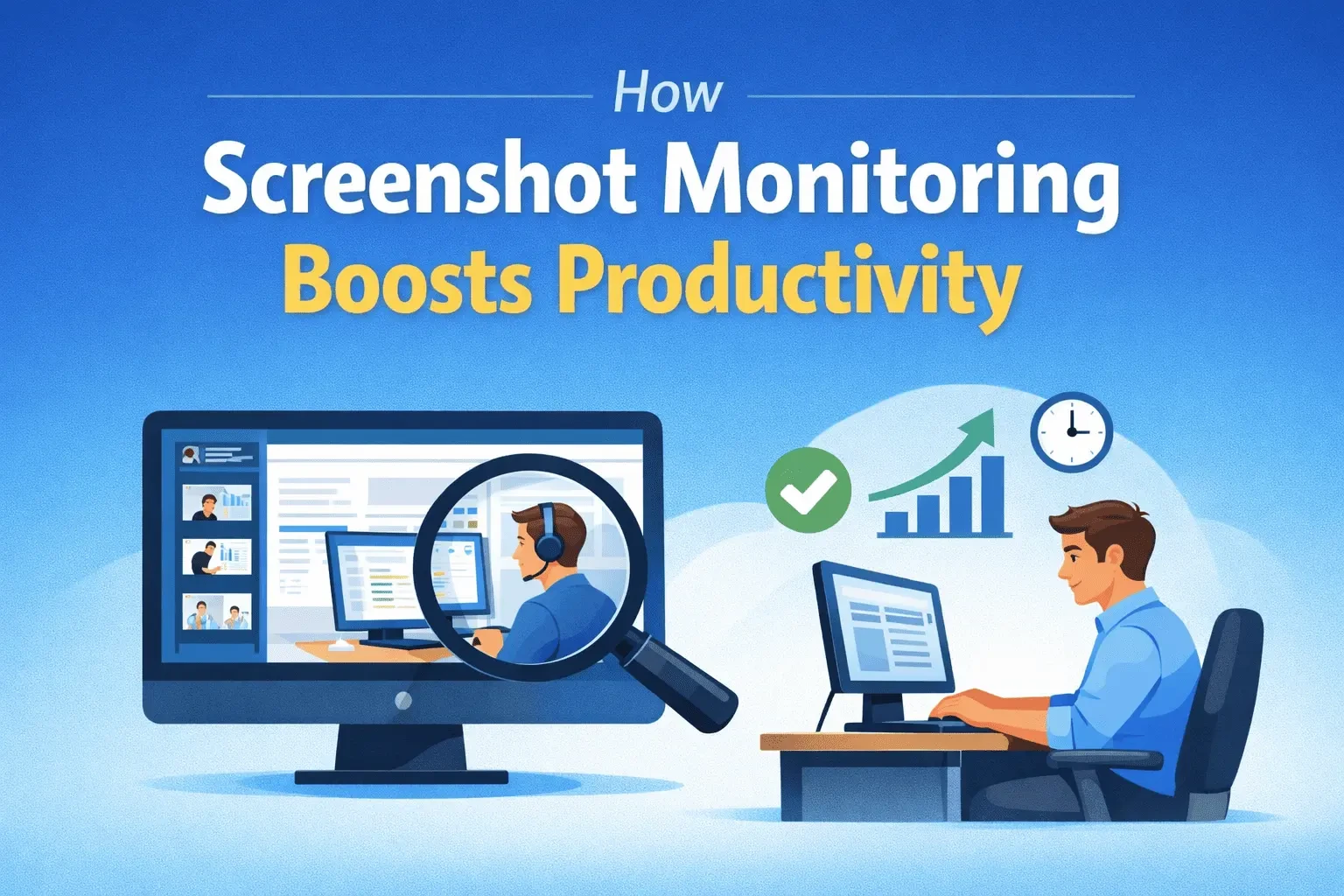
For example, understanding How Screenshot Monitoring Improves Team Productivity is vital for remote teams. When used correctly, screenshots act as a "work diary." They provide proof of progress for complex tasks that don't always result in a finished file immediately. It allows a developer or designer to show a client exactly why a specific feature took six hours instead of two, effectively protecting the employee from unreasonable expectations and "scope creep."
4. The 11-Step Roadmap to a Trust-Based Rollout
The "How" of the rollout determines the project's success. Secretly installing software is the fastest way to trigger a "Trust Recession."
- Establish a Legitimate Purpose: Define the "Why." Is it for security, client billing, or workload balance?
- Involve Employees Early: Ask team leads to help define "productive" vs. "unproductive" apps for their specific niche.
- Choose Non-Invasive Tools: Avoid "bossware" features like webcam recording. Prioritize tools that track "Active vs. Idle" time respectfully.
- Radical Transparency: Hold a Town Hall meeting 30 days before launch. Explain exactly what the software sees and what it doesn't.
- Set Clear Boundaries: Explicitly state that tracking is strictly limited to work hours. Use "Geofencing" for mobile teams to ensure privacy outside the job site.
- Provide a Digital Handbook: Issue a 1-page guide (The "Bill of Rights") for employees, outlining their data privacy protections.
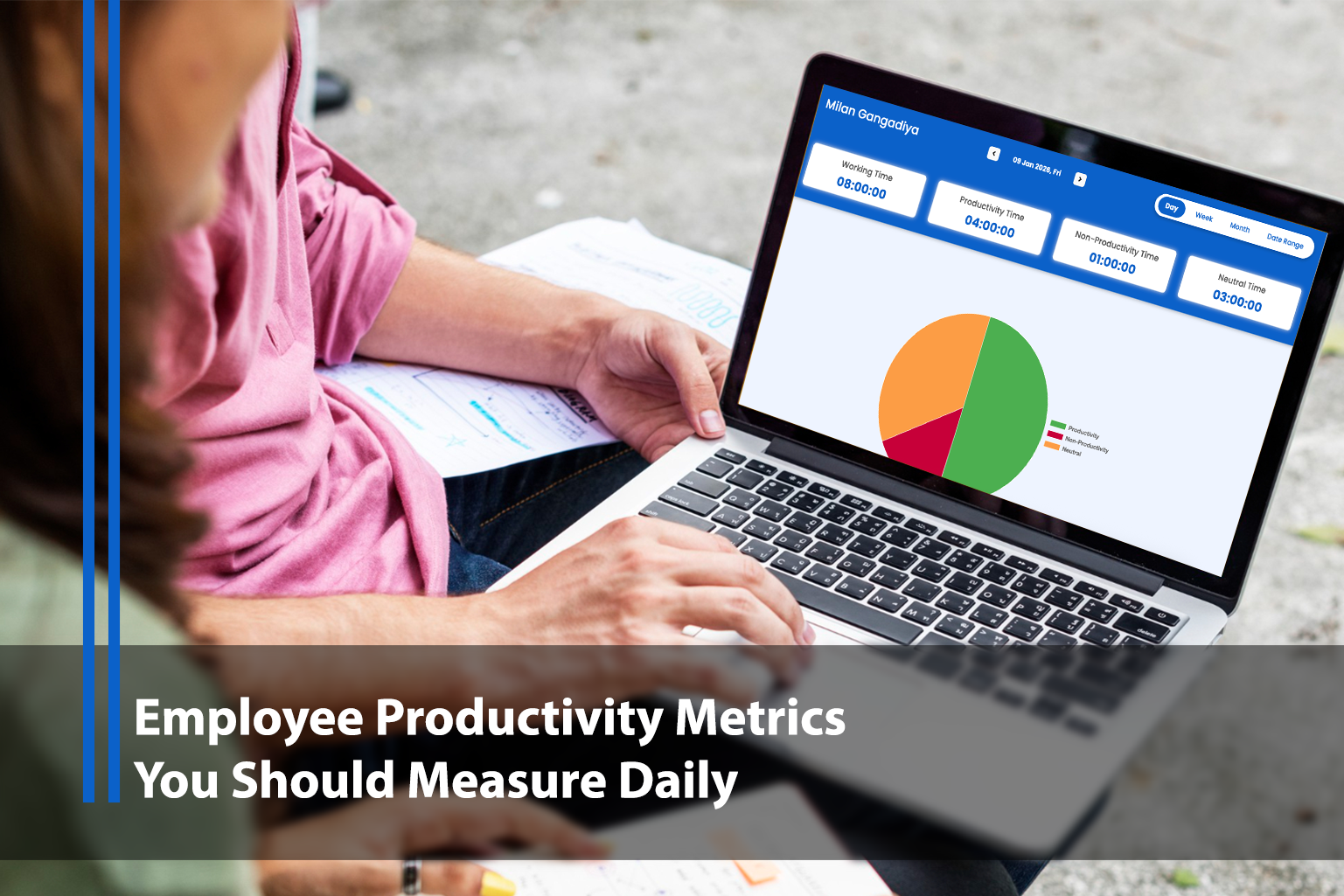
- Shared Dashboards: Ensure every employee can view their own Employee Time Tracking Software dashboard. Transparency grows when the "monitored" becomes the "user."
- Managerial Training: Train managers to interpret "idle time" not as laziness, but often as "brainstorming" or "collaborative thinking."
- The "Outcome over Hours" Policy: Reward employees based on sprint velocity and project completion, not just "hours logged."
- Internal Success Stories: Share how monitoring helped the company identify a bottleneck and hire three new assistants to help an overwhelmed team.
- The Feedback Loop: Conduct anonymous quarterly surveys to ensure the software isn't causing "Surveillance Stress."
5. Global Legal Compliance in 2026: The New Standard
In 2026, the legal landscape for Employee Monitoring Software is no longer a suggestion — it's a minefield.
The EU AI Act & GDPR
The EU AI Act (2024-2025) now fully regulates "High-Risk AI" in the workplace. If your monitoring tool uses AI to "rate" or "predict" employee performance, you are legally required to provide a high level of transparency and human oversight.
India's DPDP Act and the US CPRA
Emerging laws like India's DPDP Act and the California Privacy Rights Act (CPRA) require "purpose limitation." You cannot collect data for "productivity" and then use it for "security" without a new consent agreement. Organizations that ignore this face penalties of up to 4% of global turnover.
6. The ROI of Trust: The "Retention Cost Paradox"
Many executives implement Employee Monitoring Software to save money on "time theft." However, if implemented poorly, it can cost millions in Regrettable Turnover.
The Math of Trust Erosion
- Software Cost: $5–$15 per user/month.
- Replacement Cost: Replacing a senior developer in 2026 costs roughly 80% to 200% of their annual salary due to recruitment, onboarding, and lost knowledge.
- The Paradox: One single resignation due to "trust erosion" wipes out the productivity "savings" of 200 employees for an entire year.
Independent research shows that 72% of employees report monitoring doesn't improve their productivity if they feel mistrusted. Trust is the true performance accelerator.
7. How Data Actually Protects the Employee
While often seen as a tool for "The Boss," ethical monitoring is actually a shield for "The Worker."
A. Ending the "Always On" Culture
In a remote world, managers often favor the "loudest" worker (the one who pings Slack at 11:00 PM). Employee Time Tracking Software proves that the person who finishes their work by 5:00 PM is actually more efficient. It gives "Quiet Power" back to the efficient worker.
B. Objective Performance Reviews
Subjective reviews are prone to "Affinity Bias" — where managers favor people they like personally. Data-driven reviews are blind to personality. If the data shows you hit all your project milestones, your promotion is based on facts, not your manager's mood.
C. Resource Justification
When a team says they are "busy," executives often ask for proof. Data allows a team lead to say: "Our team spent 400 hours on manual data entry last month. We need a budget for an automation tool." The monitoring software becomes the evidence needed to get better tools.
8. Case Study: The "Healthcare Privacy" Model
In the healthcare sector, monitoring is a legal requirement (HIPAA). However, hospitals that implemented monitoring as a "Safety Tool" saw a 30% increase in employee engagement compared to those who implemented it as a "Productivity Tool."
Lesson: When the purpose is "Safety" (protecting patient data), employees see themselves as part of the solution. When the purpose is "Productivity" (counting clicks), they see themselves as part of the problem.
9. The Future: Gamification and Engagement
As we look toward the end of 2026, the best Employee Monitoring Software is becoming "gamified." Instead of a boring time log, employees see "Leaderboards" (for achievements like 'Most Deep Work Hours') and "Productivity Streaks."
By turning data into a game, you shift the focus from "being watched" to "playing a role in a high-performance team."
10. Final Verdict: The Ethics Checklist
Before you hit "Install" on any monitoring platform, ask your leadership team these 5 questions:
- Can we achieve this goal with less invasive data?
- Have we told the employees exactly what we are doing?
- Do employees have access to their own data?
- Is the data used for coaching (Good) or purely for discipline (Bad)?
- Would I be comfortable if this software was installed on my computer?
Conclusion: The New Social Contract
The Transparency Manifesto isn't about the software; it's about the social contract between an employer and an employee. In 2026, the best talent doesn't just want a paycheck; they want to work for companies that are organized, data-driven, and above all honest.
By being open about your use of Employee Time Tracking Software, providing clear value to the staff, and using insights to improve their work-life balance, you don't just monitor a team — you empower them.