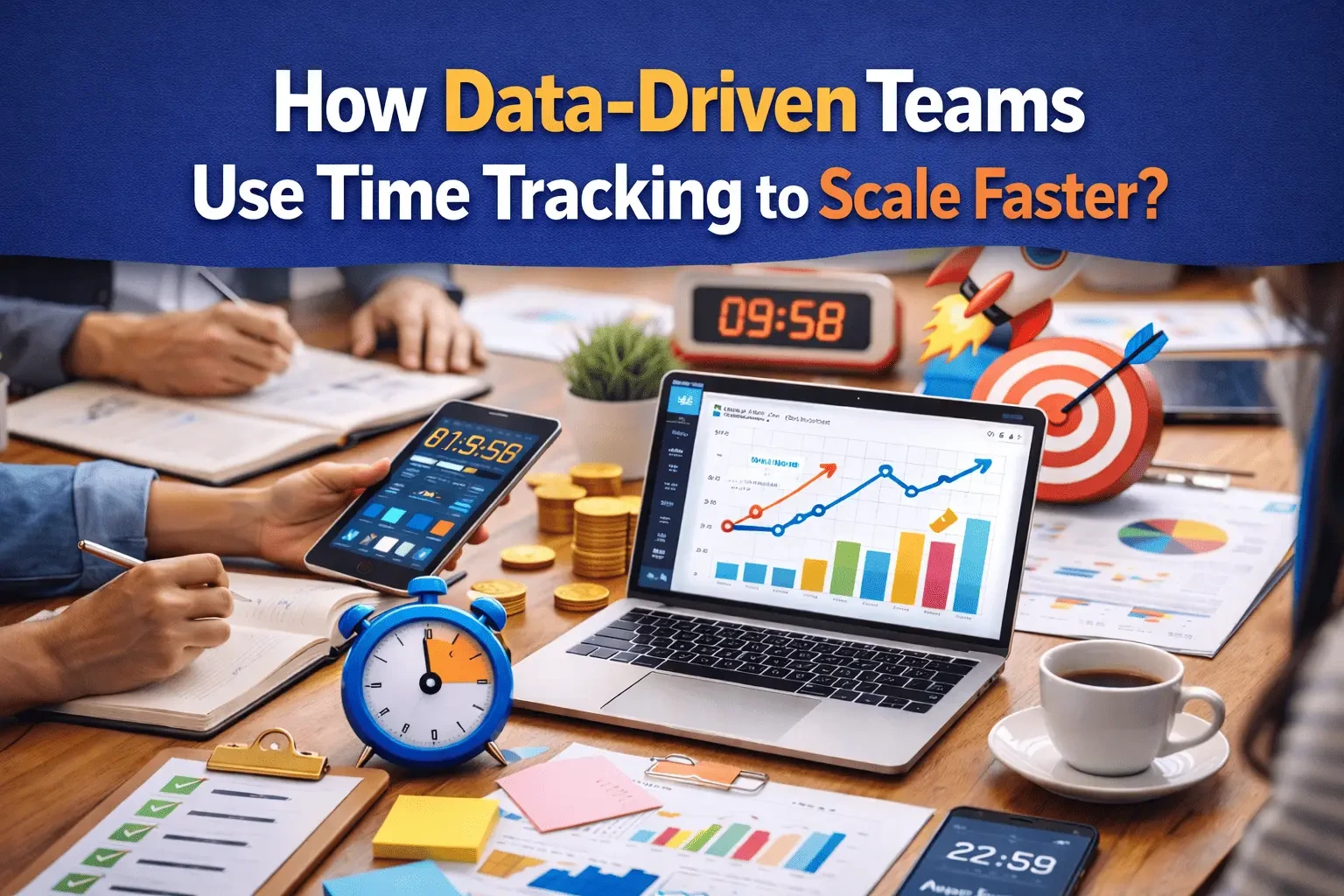
Most teams don't fail to scale because they lack talent. They fail because they scale on assumptions.
At 5–10 people, you can "feel" what's happening. You know who's busy, which clients are demanding, and what work keeps slipping. But as the team grows, that intuition breaks. Work becomes distributed, communication gets noisy, and leadership starts making decisions based on incomplete signals: who talks the loudest, what feels urgent, or what happened most recently.
That's where data driven decision making changes everything. And one of the most overlooked data sources is time tracking—done the right way.
Time tracking isn't about counting minutes. It's about creating a clean feedback loop between effort, output, and outcome. When paired with smart time tracking reports, it becomes the foundation of workforce analytics that help teams plan better, deliver faster, and scale without chaos.
Let's break down how data-driven teams use time tracking to scale faster—and how to implement it without turning your culture into a surveillance state.
The "Guessing Tax" That Slows Growing Teams
Scaling introduces a hidden cost: the guessing tax.
- You guess how long tasks take, so estimates drift.
- You guess who has capacity, so work piles up on the same people.
- You guess which activities drive results, so priorities stay fuzzy.
- You guess why delivery slows, so you treat symptoms instead of causes.
The result is predictable: missed deadlines, uneven workloads, shrinking margins, and leadership firefighting every week.
Data-driven teams reduce that guessing tax by building a simple system: measure what matters, review it consistently, and act on it. Time tracking—when aligned with goals—becomes a high-leverage input to that system.
Time Tracking Is Not Policing. It's Operational Visibility.
Old-school time tracking had a bad reputation for a reason. It was often used to control people instead of improving how work flows.
Modern teams treat time tracking differently. They use it like instrument panels in an airplane. Pilots don't stare at gauges because they distrust the aircraft—they do it because they want to fly safely at speed.
Teams that scale quickly do the same: they track time to understand:
- Where effort is going
- What work is actually costing
- Where projects are getting stuck
- Which processes create waste
- How workload impacts performance and health
This is the real purpose of workforce analytics: turning everyday work into signals that help the organization improve.
What Data-Driven Teams Track (And What They Don't)
The best teams don't track everything. They track meaningful categories that connect time to outcomes.
They track time by:
- Project / client
- Work type (build, QA, meetings, admin, support, research)
- Initiative (feature launch, onboarding, retention, marketing)
- Billable vs non-billable (where relevant)
They don't obsess over:
- Second-by-second monitoring
- Random productivity scores
- "Who worked the longest hours" contests
Because the goal is not to reward busyness. The goal is to improve delivery.
This is where good performance analytics tools matter: they make it easy to capture time without friction and translate it into insight, not judgment.
The Metrics That Actually Help You Scale Faster
Raw time logs don't scale your team. Insights do. Here are the practical metrics that data-driven teams pull from time tracking reports and business productivity analytics.
1) Capacity and utilization (without burnout)
- How much of the team's time is committed to planned work?
- Who is consistently overloaded?
- Where are "invisible tasks" eating capacity (support, internal fixes, admin)?
Scaling requires stable capacity. If 30% of your week disappears into untracked work, hiring decisions and timelines will always be wrong.
2) Estimation accuracy and variance
Compare:
- Estimated time vs actual time
- Planned vs unplanned work
Variance isn't failure—it's feedback. When teams review variance weekly, their estimates improve fast. Better estimates lead to better promises, which leads to faster scaling.
3) Cost per deliverable (and profit clarity)
If you're delivering projects or client work, time tracking becomes a profitability lens:
- What did this deliverable really cost in team hours?
- Which clients consume the most non-billable time?
- Which project types are profitable vs painful?
This is where data driven decision making becomes real: you stop pricing based on hope, and start pricing based on reality.
4) Cycle time and workflow bottlenecks
Time data can reveal where delivery slows:
- Too many meetings during build time
- Review cycles taking longer than implementation
- QA becoming a queue, not a stage
- Context switching destroying focus
The insight isn't "work faster." It's "remove friction."
5) Focus vs fragmentation
High-performing teams protect deep work. Time tracking categories can highlight:
- How much time goes to meetings vs execution
- How often people switch between projects
- How much "maker time" exists per day
This is underrated business productivity analytics: it shows whether your calendar supports output—or kills it.
How Time Tracking Enables Scaling (In Real Terms)
Here's how data-driven teams translate time tracking into growth.
A) Smarter hiring decisions
Most hiring mistakes happen because leaders can't quantify workload. With time tracking, you can answer:
- Are we truly at capacity, or just poorly organized?
- What work is recurring and should be staffed?
- Which roles are bottlenecks (QA, PM, design, support)?
Instead of hiring based on stress, you hire based on evidence.
B) Better project planning and delivery speed
When teams review time tracking reports weekly, patterns show up:
- features that consistently take longer than expected
- stages that delay delivery (handoffs, reviews, approvals)
- clients that create scope creep
Then planning becomes more accurate, and delivery becomes smoother—without heroic overtime.
C) Standardized processes that reduce wasted effort
Once you know where time is leaking, you can fix it:
- templates for repeated work
- checklists to reduce rework
- clearer definition of done
- fewer handoffs
- better documentation
The result is compound growth: each improvement saves time every week.
D) Fairer workload distribution
Scaling isn't just operational—it's cultural. Time data helps leaders spot imbalance early:
- someone doing too much support
- one person being the "go-to" for everything
- hidden tasks falling on a few reliable people
Fairness retains talent. Retention is a scaling strategy.
A Simple Implementation Playbook (Without Culture Damage)
If your team isn't tracking time today, don't roll out a heavy system overnight. Data-driven teams start small and build trust.
Step 1: Explain the "why" in one sentence
Example:
"We're tracking time to improve planning, reduce overload, and scale responsibly—not to monitor individuals."
Step 2: Keep categories simple (at first)
Start with 6–10 categories like:
- Client work
- Product development
- QA / testing
- Meetings
- Support
- Admin / internal
Over time, refine categories based on what decisions you need to make.
Step 3: Review weekly, not monthly
A weekly 20–30 minute review creates fast learning:
- What surprised us?
- Where did time go?
- What should we change next week?
Weekly review is where workforce analytics turns into action.
Step 4: Make the data useful for the team
Share insights that help people:
- fewer meetings blocks
- clearer priorities
- better estimates
- reduced overload
If the team sees benefits, tracking becomes natural.
Step 5: Use tools that turn logs into decisions
This is where performance analytics tools shine. The best tools don't just store entries—they help you see:
- trends over time
- team-level patterns
- project profitability
- workload balance
Common Mistakes (And How Data-Driven Teams Avoid Them)
Mistake 1: Tracking time without reviewing it
If nothing changes, people stop caring. Make review a habit.
Mistake 2: Using time tracking to punish
That kills honesty. Use data to improve systems, not shame individuals.
Mistake 3: Too many categories
Complexity creates drop-off. Start simple and evolve.
Mistake 4: Ignoring context
A week with client emergencies will look "unproductive" without context. Pair time data with notes or project events.
Mistake 5: Confusing hours with output
Time is an input. Outcomes still matter. The goal is better delivery, not longer workdays.
Scaling Faster Isn't About Working More. It's About Seeing Clearly.
The fastest-scaling teams don't magically have more time. They have better visibility—and they act on what they learn.
Time tracking, paired with time tracking reports, becomes a practical engine for data driven decision making. It feeds workforce analytics that help you plan, hire, price, and execute with confidence. And with the right performance analytics tools and business productivity analytics, you can improve speed without sacrificing culture.
If you're trying to scale, don't rely on guesses. Build a measurement layer that helps your team work smarter, not harder.
That's what TeamTreck is built for: turning everyday work into clean, decision-ready insights—so your team can grow faster, with fewer surprises.