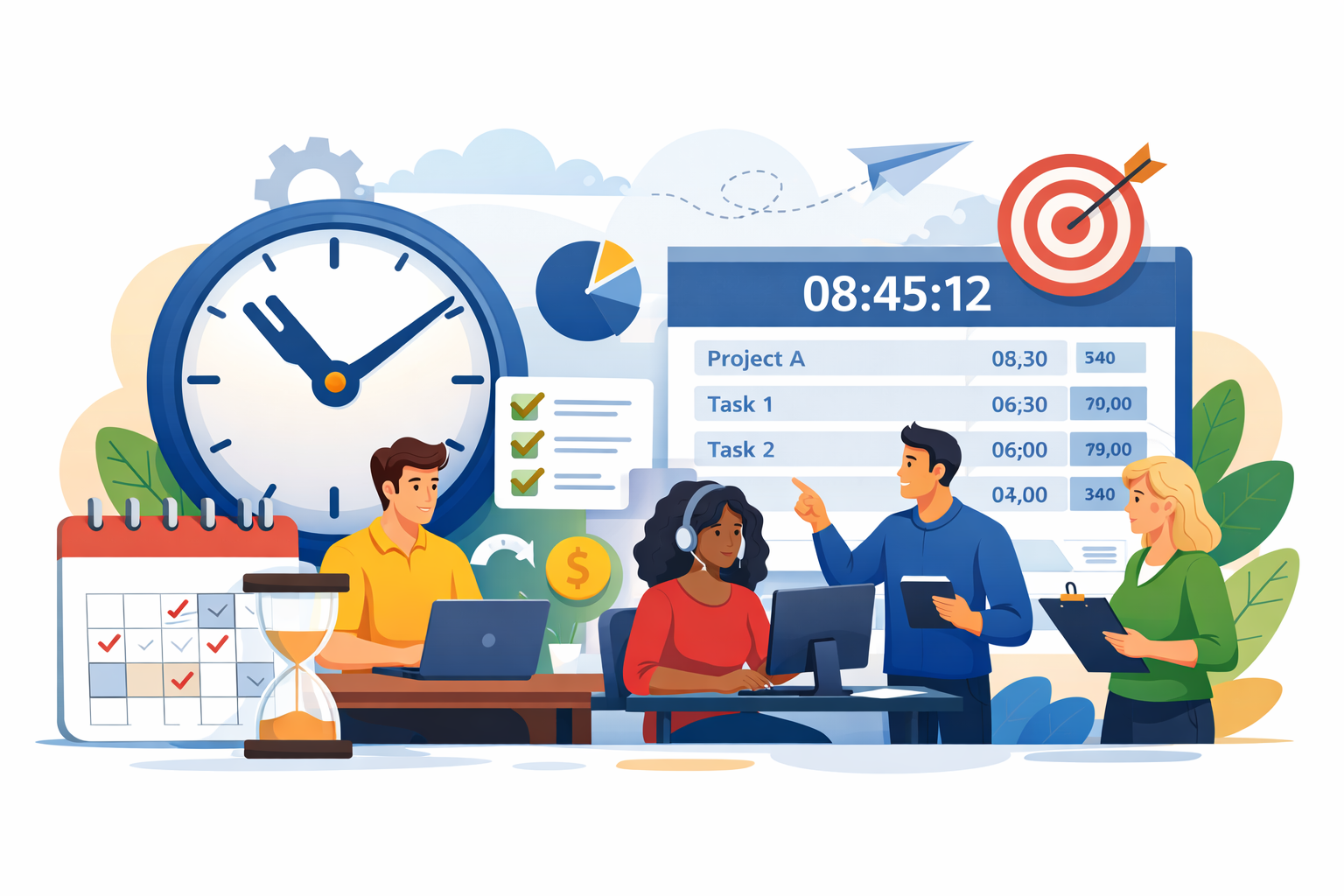
In today's fast-paced work environment, time is one of the most valuable resources. Yet, many teams struggle to manage it effectively. Deadlines are missed, projects go over budget, and employees feel stressed. That's where time tracking comes into play. In this guide, we'll explore what time tracking is, its benefits, why it's important for teams, and how modern time tracking software can make life easier.
What Is Time Tracking?
Time tracking is the process of recording the time spent on different tasks, projects, or activities. It allows individuals and teams to see where their hours are going and understand how productive they are.
Time tracking can be done in two ways:
- Manual tracking – using spreadsheets or notebooks to write down time spent on tasks.
- Automated tracking – using specialized software that logs time automatically while you work.
For example, a freelancer might track the hours spent on client projects to ensure accurate billing. Similarly, a team working on multiple projects can track time to improve efficiency and meet deadlines.
In simple terms, time tracking helps you know exactly how your time is being used. Without it, managing productivity becomes guesswork.
Why Time Tracking Is Important
You may wonder, why is time tracking important? Let's break it down:
- Boosts Productivity – When employees know their work is tracked, they are more focused and less likely to procrastinate. It helps everyone prioritize tasks effectively.
- Improves Accountability – Time tracking makes it clear who is working on what. Teams become accountable for their hours, which reduces conflicts and misunderstandings.
- Helps With Project Management – By tracking time, managers can see which tasks take longer than expected and adjust plans accordingly. This reduces missed deadlines and budget overruns.
- Supports Remote Work – In a remote work setup, it's easy to lose track of team productivity. Time tracking provides transparency and helps managers understand what each team member is contributing.
- Identifies Bottlenecks – Sometimes, projects get delayed due to specific tasks or processes. Time tracking highlights these bottlenecks so teams can optimize workflows.
In short, time tracking is important for both individual productivity and team efficiency. It provides clear data that can be used to make informed decisions.
Benefits of Time Tracking
Now that we understand what time tracking is and why it's important, let's look at the key benefits of time tracking:
1. Helps You Understand Where Time Goes
Many people feel busy but aren't always productive. Time tracking gives a clear picture of how long tasks actually take. This awareness helps in planning and eliminating time-wasting activities.
2. Improves Productivity
Tracking time encourages focus. When you know your hours are being monitored, you tend to complete tasks faster and avoid distractions.
3. Enhances Work-Life Balance
By tracking how much time is spent on work, employees can manage their hours better, avoiding burnout and achieving a healthier work-life balance.
4. Facilitates Accurate Billing
For freelancers or service providers, accurate billing is critical. Time tracking ensures clients are billed fairly and accurately based on the actual hours worked.
5. Better Project Planning
With historical time tracking data, managers can estimate project timelines more accurately. They can see which tasks consistently take longer and adjust deadlines or allocate resources accordingly.
6. Encourages Accountability and Transparency
Time tracking makes it easy to see who is working on what. Teams become more responsible for their tasks, and transparency improves trust between employees and managers.
In essence, the benefits of time tracking go beyond productivity. It helps with planning, accountability, billing, and even employee satisfaction.
Time Tracking Software Benefits
While manual tracking can work for small teams or freelancers, modern teams often use time tracking software to streamline the process. Here are the main time tracking software benefits:
1. Automatic Tracking
Time tracking software can automatically log hours spent on tasks or projects. No need to manually enter start and stop times. This saves effort and increases accuracy.
2. Detailed Reporting
Software tools provide reports that show how much time was spent on each task, project, or client. These insights help managers make data-driven decisions.
3. Integrations With Other Tools
Modern time tracking software integrates with project management tools, calendars, and communication platforms. This ensures smooth workflow without switching between multiple apps.
4. Payroll and Billing Support
Many tools can calculate billable hours and generate invoices automatically. This is especially useful for freelancers and agencies.
5. Productivity Insights
Some software tools offer insights into team productivity patterns, helping managers identify bottlenecks and areas for improvement.
How to Implement Time Tracking in Your Team
If you're convinced about the importance of time tracking, here's a simple way to get started:
- Start Small – Begin with tracking a few tasks or a single project before expanding to the entire team.
- Choose the Right Tool – Depending on your team size and requirements, select software that meets your needs. Free tools like Toggl or Clockify work well for small teams, while larger teams may require paid tools with advanced features.
- Set Clear Expectations – Explain to your team why time tracking is important and how it will be used. Emphasize that it's for productivity and planning, not for micromanagement.
- Regularly Review Data – Track the time data weekly or monthly to identify patterns, bottlenecks, and opportunities for improvement.
- Encourage Accountability – Ensure every team member records their tasks consistently. Make it part of the workflow rather than an extra chore.
By implementing time tracking gradually and thoughtfully, teams can reap the maximum benefits without creating stress or resistance.
Common Mistakes to Avoid
Even with time tracking, some mistakes can reduce its effectiveness. Avoid these pitfalls:
- Over-Monitoring – Constantly checking employees' hours can create a feeling of distrust. Focus on results, not just hours.
- Ignoring Insights – Tracking time is useless if the data isn't analyzed. Use reports to improve workflows.
- Choosing the Wrong Tool – A complicated or poorly suited tool can frustrate employees and reduce adoption.
Conclusion
Time is precious, and how we use it determines both productivity and success. Time tracking helps individuals and teams understand how hours are spent, identify inefficiencies, and plan better. With clear data, managers can make informed decisions, and employees can achieve a healthier work-life balance.
Whether you use manual tracking or modern time tracking software, the key is consistency and analysis. Start small, track your tasks, and gradually expand across your team. The benefits – improved productivity, accountability, and better project outcomes – are well worth the effort.
If your team hasn't started time tracking yet, now is the perfect time. Choose the right tool, set clear expectations, and unlock the true potential of every hour spent.