How to Stop Ghost Hours in Remote Freelance Work
Remote freelance work has become one of the best ways for businesses to access skilled talent without hiring full-time employees. Companies can work with designers, developers, content writers, marketers, virtual assistants, and consultants from anywhere in the world. Freelancers also enjoy flexibility, independence, and the freedom to work with multiple clients.
But with this flexibility comes one major challenge: ghost hours.
Ghost hours are the hours that appear in a freelancer's work report but do not clearly show actual productive work. These may include idle time, unclear task time, untracked breaks, manual time entries, or hours added without proper proof. For remote businesses, ghost hours can raise project costs, cut productivity, and cause trust issues between clients and freelancers.
The good news is that you can control ghost hours with the right process, clear expectations, and smart time tracking tools like TeamTreck.
In this blog, we will understand what ghost hours are, why they happen, and how businesses can stop them in remote freelance work.
What Are Ghost Hours in Remote Freelance Work?
Ghost hours refer to working hours that someone bills or records without properly connecting them to real work activity.
For example, a freelancer may log 6 hours for a task, but the actual active work may be only 3 or 4 hours. Sometimes this happens intentionally, but many times it happens because of poor tracking, unclear communication, or manual reporting mistakes.
Ghost hours can include:
- Time added manually without proof
- Idle time counted as work time
- Long breaks included in billing hours
- Time spent on unrelated websites or apps
- Duplicate time entries
- Work hours without task details
- Unclear reports with no screenshots or activity records
For small businesses and agencies, even a few unbilled hours each week can become a big loss over time.
Why Ghost Hours Happen in Remote Freelance Teams
Ghost hours do not always happen because someone is dishonest. In many cases, they happen because there is no proper system.
1. Manual Time Tracking
When freelancers write their work hours manually, there is always a chance of error. They may forget the exact time spent on a task or round off hours without checking actual work.
For example, if someone worked for 2 hours and 25 minutes, they may enter 3 hours. This may look small, but across many freelancers, it becomes costly.
2. Lack of Task Clarity
If the client does not clearly define the task, the freelancer may spend time on unnecessary work. Later, it becomes difficult to know whether the time was productive or wasted.
A task like "work on website" is too broad. A better task would be "design homepage banner section" or "fix checkout page mobile UI issue".
3. No Activity Monitoring
Without activity tracking, screenshots, app usage, or website tracking, businesses cannot understand how work time was actually used.
This creates confusion because the client only sees total hours, not the real work pattern behind those hours.
4. Poor Communication
Remote freelance work depends heavily on communication. If you don't share updates regularly, the client may not know what you completed, what remains pending, or where you spend time.
This gap creates doubt and sometimes leads to billing disputes.
5. Flexible Work Without Rules
Flexibility is good, but without boundaries, it can create problems. If freelancers start and stop work without tracking, take long breaks, or switch projects at random, ghost hours can appear.
Why Ghost Hours Are a Serious Problem
Ghost hours may look like a small issue in the beginning, but they can damage a business in many ways.
- Increased Project Cost: If freelancers are paid hourly, every extra unproductive hour increases the project cost. If tracking is not clear, someone may bill a project that should take 40 hours as 60 hours.
- Lower Productivity: When time is not tracked properly, it becomes difficult to measure performance. Businesses cannot identify which freelancer is productive and which task is taking too long.
- Trust Issues: Remote work runs on trust. But when clients feel they are paying for unclear hours, trust starts breaking. Freelancers may also feel uncomfortable if clients question their work without proper data.
- Delayed Deadlines: Ghost hours can hide the real progress of a project. The client may think work is moving forward, but in reality, less productive work is happening. This can delay delivery.
- Poor Team Planning: If a business does not know the real time required for tasks, future planning becomes weak. Estimations, budgets, and deadlines become inaccurate.
How to Stop Ghost Hours in Remote Freelance Work
Stopping ghost hours does not mean micromanaging freelancers. It means creating a transparent system where both client and freelancer feel secure.
Here are practical ways to reduce and prevent ghost hours.
1. Use a Reliable Time Tracking Tool
The first and most important step is to use a time-tracking tool like TeamTreck.
A good time tracking system helps businesses see when freelancers start and stop work. It also shows time spent and tasks worked on.
Instead of depending on manual reports, businesses get real-time and accurate work data.
With TeamTreck, businesses can track:
- Work sessions
- Task-wise time
- Screenshots
- Active and idle time
- Attendance
- Daily work reports
- Productivity history
This makes remote freelance work more transparent and reduces the chances of fake or unclear hours.
2. Define Tasks Clearly Before Work Starts
Clear tasks reduce confusion. The client should define exactly what the freelancer needs to do before the freelancer starts working.
Instead of saying:
"Work on app design"
Say:
"Create login screen UI for mobile app with email, password, forgot password, and login button."
This helps freelancers understand the expected output and helps clients compare time spent with actual progress.
A good task should include:
- Task title
- Description
- Expected result
- Deadline
- Priority
- Required files or references
When tasks are specific, ghost hours automatically reduce.
3. Track Time Task-Wise
General time tracking is not enough. If a freelancer works 8 hours in a day, the client should know how much time the freelancer spent on each task.
For example:
- Homepage design: 2 hours
- Bug fixing: 1.5 hours
- API integration: 3 hours
- Client changes: 1 hour
Task-wise tracking gives better visibility. It also helps businesses understand which tasks take more time and identify where they need improvement.
TeamTreck helps businesses connect tracked hours with specific tasks, making reporting more useful and clear.
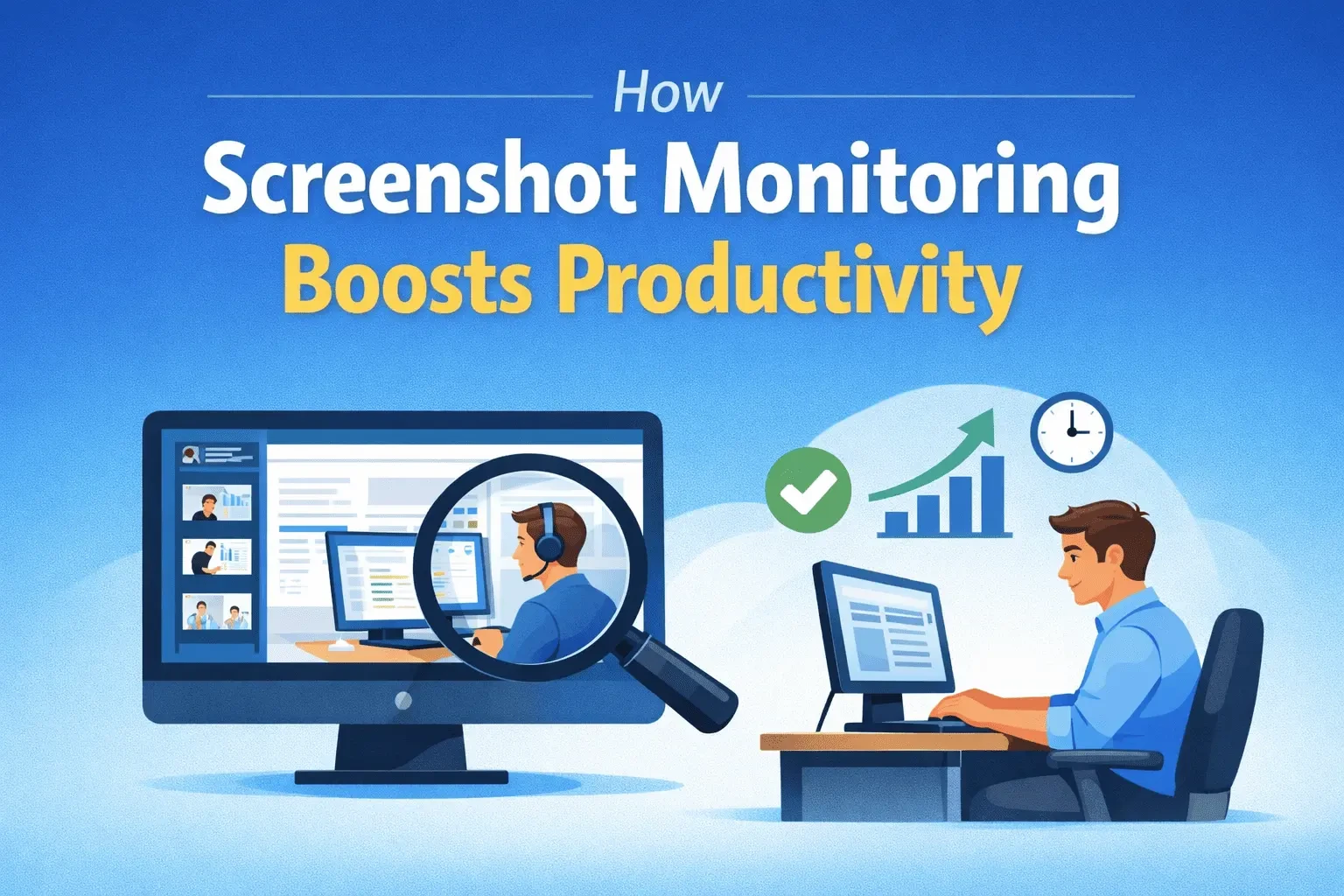
4. Use Screenshots for Work Proof
Screenshots are one of the most effective ways to prevent ghost hours in remote work.
Periodic screenshots show what was happening during work time. This does not mean spying on freelancers. It simply creates a work record that protects both sides.
- For clients, screenshots provide proof of work.
- For freelancers, screenshots prove that they were genuinely working.
This reduces unnecessary arguments and helps build trust.
However, you should use screenshot tracking professionally. Inform freelancers in advance, and respect their privacy.
5. Monitor Idle Time
Idle time means the system is inactive for a certain period. This may happen when the freelancer is away from the computer, on a break, or not actively working.
If you count idle time tracking as work time, ghost hours increase.
A good remote work tracking system should detect idle time and separate it from active work time.
TeamTreck helps businesses identify idle periods, so only actual working time is counted properly.
This gives a more accurate view of productivity.
6. Set Daily or Weekly Work Reports
Reports are important for remote freelance management. Without reports, businesses only see final output, not daily progress.
Ask freelancers to submit short daily or weekly updates.
A simple report can include:
- What was completed today
- What is currently in progress
- Any blockers or issues
- Time spent on each task
- Plan for the next day
When reports are connected with tracked time, the full picture becomes clear.
TeamTreck makes reporting easier by showing attendance, task time, screenshots, and work history in one place.
7. Avoid Too Much Manual Time Entry
Manual time entry should be limited. If freelancers are allowed to add unlimited manual hours, ghost hours can increase.
Manual entries may be needed sometimes, especially if there is a technical issue or offline work. But every manual entry should include a reason.
For example:
"Internet issue from 2:00 PM to 2:30 PM, worked offline on content draft."
This keeps the system fair and transparent.
8. Set Clear Billing Rules
Before starting a freelance project, both sides should agree on billing rules.
Clarify things like:
- What counts as billable time
- Whether meetings are billable
- Whether research time is billable
- How idle time is handled
- How manual hours are approved
- How screenshots or reports will be used
Clear billing rules prevent future conflict.
Freelancers also feel more confident when they know exactly how their time will be counted.
9. Review Productivity Regularly
Time tracking is useful only when the data is reviewed.
Business owners or project managers should check weekly reports and identify patterns.
For example:
- Which tasks are taking too long?
- Which freelancer has high idle time?
- Are screenshots matching the task?
- Are deadlines being met?
- Is manual time entry too high?
Regular review helps businesses solve problems early instead of waiting until the project fails.
10. Build Trust, Not Fear
The goal of stopping ghost hours is not to control every minute of a freelancer's day. The goal is to create fairness and transparency.
Freelancers should not feel like they are being watched all the time. Instead, they should feel that the system protects their work and helps them get paid correctly.
Clients should also feel confident that they are paying for real work.
This balance is important.
A tool like TeamTreck helps create this balance by giving clear data without unnecessary confusion.
How TeamTreck Helps Stop Ghost Hours
TeamTreck is built for businesses that manage remote teams, freelancers, and employees. It helps track work hours accurately and gives clear visibility into daily productivity.
TeamTreck can help you:
- Track freelancer work time automatically
- Monitor active and idle time
- Capture screenshots during work
- Manage task-wise time tracking
- View attendance and daily reports
- Reduce manual time errors
- Improve project transparency
- Build trust with remote workers
Instead of guessing whether work is happening, TeamTreck gives you real data.
This helps businesses save money, improve productivity, and manage remote freelancers with confidence.
Final Thoughts
Ghost hours are one of the biggest hidden problems in remote freelance work. They increase costs, create confusion, and damage trust between clients and freelancers.
But ghost hours can be controlled with the right approach.
Start by setting clear tasks. Use automatic time tracking. Review idle time. Check work reports. Create clear billing rules. Most importantly, use a reliable tool like TeamTreck to manage everything in one place.
Remote freelance work can be highly productive when the system is clear.
With TeamTreck, businesses can stop ghost hours, track real work, and build a more honest and efficient remote work culture.